A Crown RR 5200 reach truck that stops and shows a code takes a lane out of your warehouse until someone reads it. Most of the codes on this series point at a small number of causes: a low or failing battery, a controller or contactor fault, a hydraulic pressure or lift-limit switch, or an operator-presence input that the truck thinks is wrong.
This guide covers how to pull the code log from the display, what the common Crown RR 5200 codes mean, and which ones you can clear yourself versus which need a part.
Get Past The Dealer And Back To Work
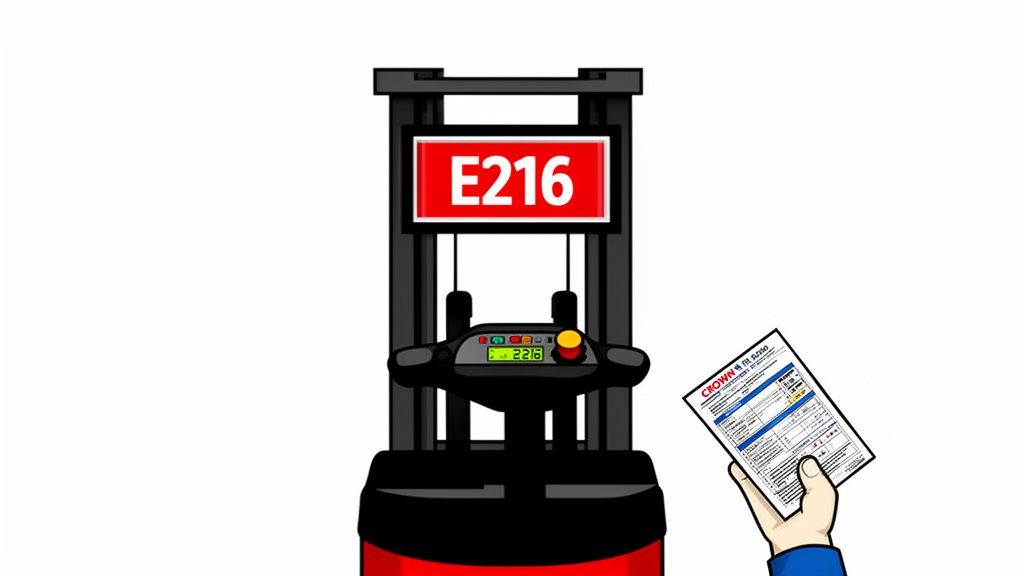
Every minute your machine is down, it's burning money. Calling the dealer is a one-way ticket to a four-figure bill and a week of downtime, especially when the real problem is a cheap sensor the parts guy has to "order from the factory." The steps below let a shop technician diagnose most of these codes without a dealer visit.
We'll cover the essentials for wrestling these machines back to life:
- Reading the Codes: How to pull the fault logs and figure out what the machine is actually crying about.
- Spotting the Real Problem: Learn the difference between a simple warning and a "limp mode" event that's about to shut you down.
- Making the Right Call: Pinpoint the weak link—usually a sensor or solenoid—so you can get the right part from Flat Earth Equipment without getting gouged by the dealer.
How To Access And Read The Error Code Log
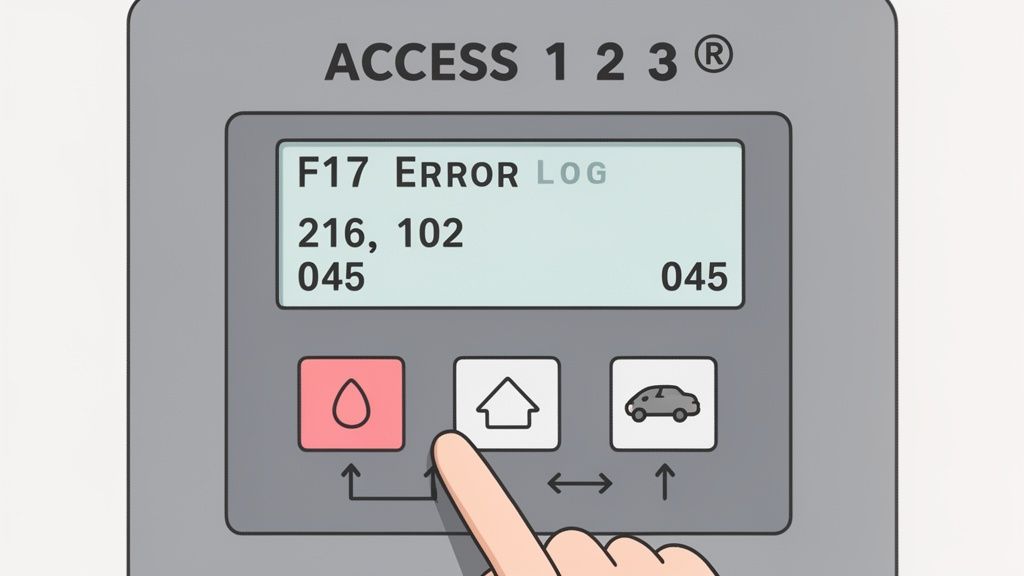
Before you can fix anything, you need to pull the data. Your first move is to get into the machine’s diagnostic menu. This is your direct line into the brain of the beast, and it’s how you start troubleshooting without begging the dealer to plug in their precious Service Master laptop.
Think of this log as a rap sheet for every fault the machine has ever thrown. Getting familiar with it is the key to spotting repeat offenders—the nagging sensor that fails every 500 hours or the DEF system that acts up whenever the temperature drops.
The onboard system is smarter than they want you to think. It logs dozens of events, giving you a massive amount of data to work with. Use this history to get ahead of failures and save your fleet a fortune in downtime and forced "regen" cycles that kill productivity. For a deeper dive, check out the system's diagnostic capabilities on Scribd.
Quick Reference Chart for Common Error Codes
When your excavator is dead in the trench, you don't have time to scroll through a 500-page PDF. This quick reference chart is your first line of defense, giving you a fast, on-the-spot diagnosis for the most common Crown RR 5200 error codes.
Think of this as your field cheat sheet. It gives you the code, what it actually means in plain English, and how it’s going to cripple your machine. We’ve also included the parts that are the usual suspects.
Use this table to figure out how bad the damage is. It’ll get you pointed in the right direction, saving you from wasting hours waiting for a callback from a service writer who's never touched a wrench.
Solving Critical Electrical System Fault Codes
Electrical gremlins are the absolute worst. They’ll shut you down cold and can be a nightmare to trace through yards of wiring harness. This section dives into the most critical electrical Crown RR 5200 operator manual error codes, including the infamous code 216 for a 'tilt open circuit.'
More often than not, a code like 216 points to a harness that’s been rubbed raw or a sensor that’s finally given up the ghost. We'll also dig into the communication failures between modules—the digital handshake errors that the dealer loves to charge you a fortune to "re-flash"—and those frustrating voltage issues that can plague a 36V system.
From what we see in the field, a simple sensor or harness failure accounts for a huge chunk of all service calls. Having the right part on the shelf from Flat Earth Equipment can turn a multi-day dealer visit into a 30-minute fix in the field. You can get more details on these service manual insights in this comprehensive document.
At the end of the day, you need reliable power. Check out our lineup of industrial-grade battery chargers to keep your fleet ready to work.
Troubleshooting Hydraulic And Mechanical Error Codes
While the electronics will drive you crazy, you can't ignore the guts of the machine—the hydraulics and steel. This section covers the Crown RR 5200 operator manual error codes triggered by failing pressure sensors, sticky hydraulic solenoids, or actual mechanical binding.
The ECU is always watching. When a pressure reading is out of whack or a solenoid doesn't click when it’s told to, it throws a fault. We'll give you practical, in-the-field tips that the manual leaves out, like how to tell the difference between a weak pump and a bad pressure sensor just by the sound of the machine.
Often, a simple electrical failure will try to disguise itself as a massive hydraulic problem. This flowchart is your roadmap for sniffing out the real culprit.
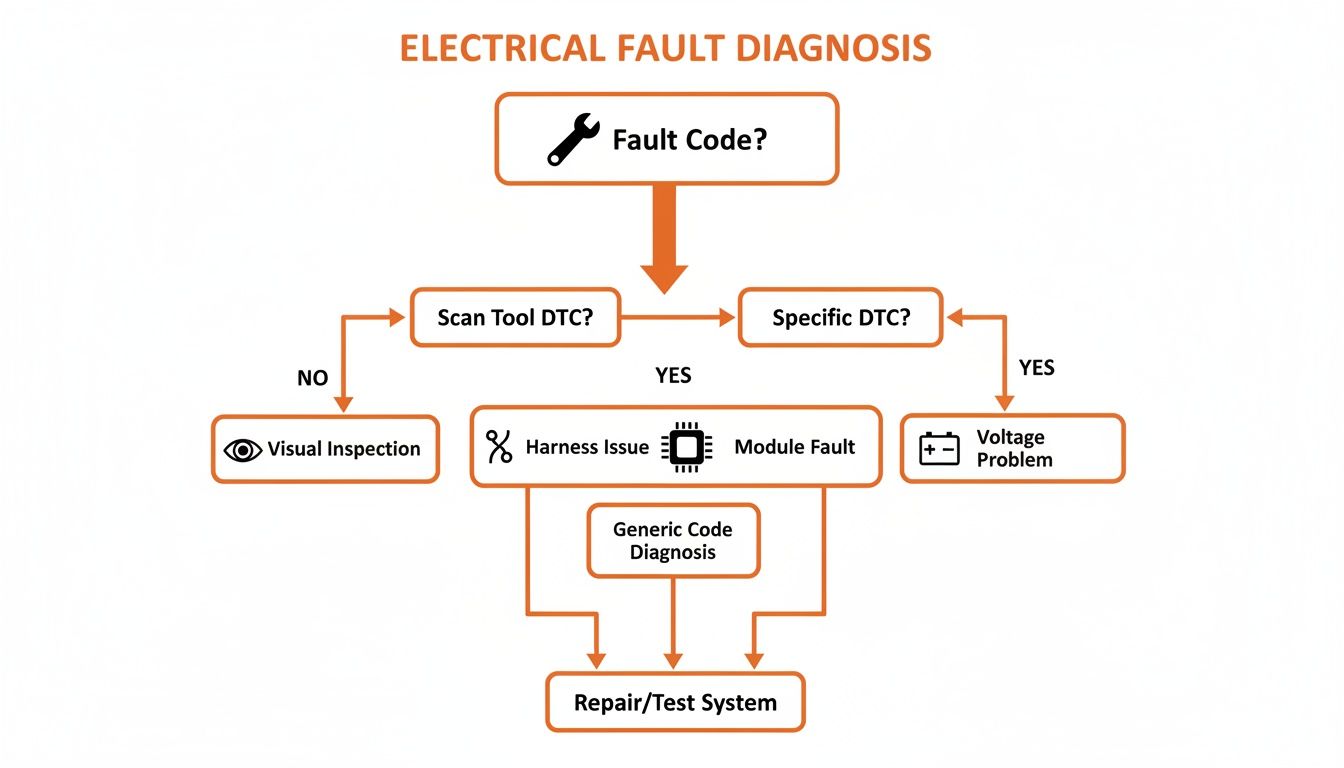
This decision tree helps you systematically check the simple stuff—harness, module, voltage—before you start cracking hydraulic lines and making a mess.
Understanding Operator-Induced Warning Messages
Not every code flashing on the dash means a part has failed. Far from it. A lot of alerts are just the machine’s way of saying, "Hey, idiot, stop doing that." When you see messages like ‘CHECK LOAD,’ ‘FOOT,’ or ‘HAND,’ it’s the machine flagging an improper action, not a broken component.
Think of these as real-time coaching moments. The machine is trying to save the operator from doing something stupid that will damage it. Our own data shows that good training can slash these nuisance faults by over 40%. It's cheaper to train your crew than it is to replace a hydraulic ram they bent. You can dig deeper into these stats in the official Crown manual.
Before you start ordering parts, make sure the problem isn't the person in the seat. A well-trained operator is your best defense against downtime. Make sure your forklift operator safety training is up to snuff.
Get The Right Parts Without The Dealer Markup
Once the code points at a part, Flat Earth Equipment stocks aftermarket Crown reach-truck electrical and hydraulic replacements: contactors, controllers, pressure switches, and the sensors that fail most often. Browse Crown parts, or if you have the code and the truck serial, send both for a quote and we will match the part number.
Frequently Asked Questions
When you're out in the mud with a dead machine, you need answers, not excuses. Here are the no-BS questions we get from techs trying to fix their Crown RR 5200 operator manual error codes and get back to work.
What Is The Most Common Cause Of Recurring Electrical Error Codes On The RR 5200?
Nine times out of ten, it's the wiring harness. We see it every day. The main harnesses that are constantly flexing, vibrating, and getting caked in dirt are the first to go. The wires break internally where you can't even see the damage.
The infamous code 216, the 'tilt open circuit' fault, is a prime example. Before you even dream of swapping a multi-thousand-dollar controller, grab a multimeter. A good old-fashioned wiggle test on that harness while checking for continuity will almost always reveal the break. It's the first thing you should check, every single time.
Can I Clear Error Codes On A Crown RR 5200 Without The Dealer Laptop?
Yes. Don't let them tell you otherwise. This is the biggest lie the dealers use to keep you paying their outrageous service fees. You don't need their proprietary Service Master laptop to clear codes. Once you fix the actual problem—replace the bad sensor, repair the broken wire—cycling the key is usually all it takes to clear the active code.
If you want to wipe the historical fault log (that F17 menu), there's a button sequence you can do right on the dash. No special software. No dealer visit. Clearing that log after a repair is critical so you know if the problem comes back for real.
My Lift Truck Shows Code 834 After Installing A Used Controller. What Does This Mean?
You've hit the 834 "module mismatch" wall. This is the classic headache you get for trying to save a buck with a used controller from a salvage yard. The module you just installed isn't recognized by the other computers on the machine's network. It's like putting a Ford part in a Chevy—the rest of the system sees it as a foreign invader and shuts down.
This is exactly why we tell guys to stay away from salvaged electronics. A cheap part that costs you two days of downtime isn't a bargain. It’s a boat anchor.
This error proves how critical it is to get tested, compatible components. Flat Earth Equipment provides parts that are guaranteed to integrate correctly, so you can avoid the nightmare of chasing software ghosts and just get the job done.
Once you've diagnosed the problem and need the right part without the dealer runaround, Flat Earth Equipment has you covered. We stock and ship the sensors, harnesses, and controllers you need to get your Crown RR 5200 running today. Visit us at https://flatearthequipment.com and get your equipment back to earning its keep.